September 18, 2025
Why HMIs Matter: The Interface That Turns Industrial Data Into Action
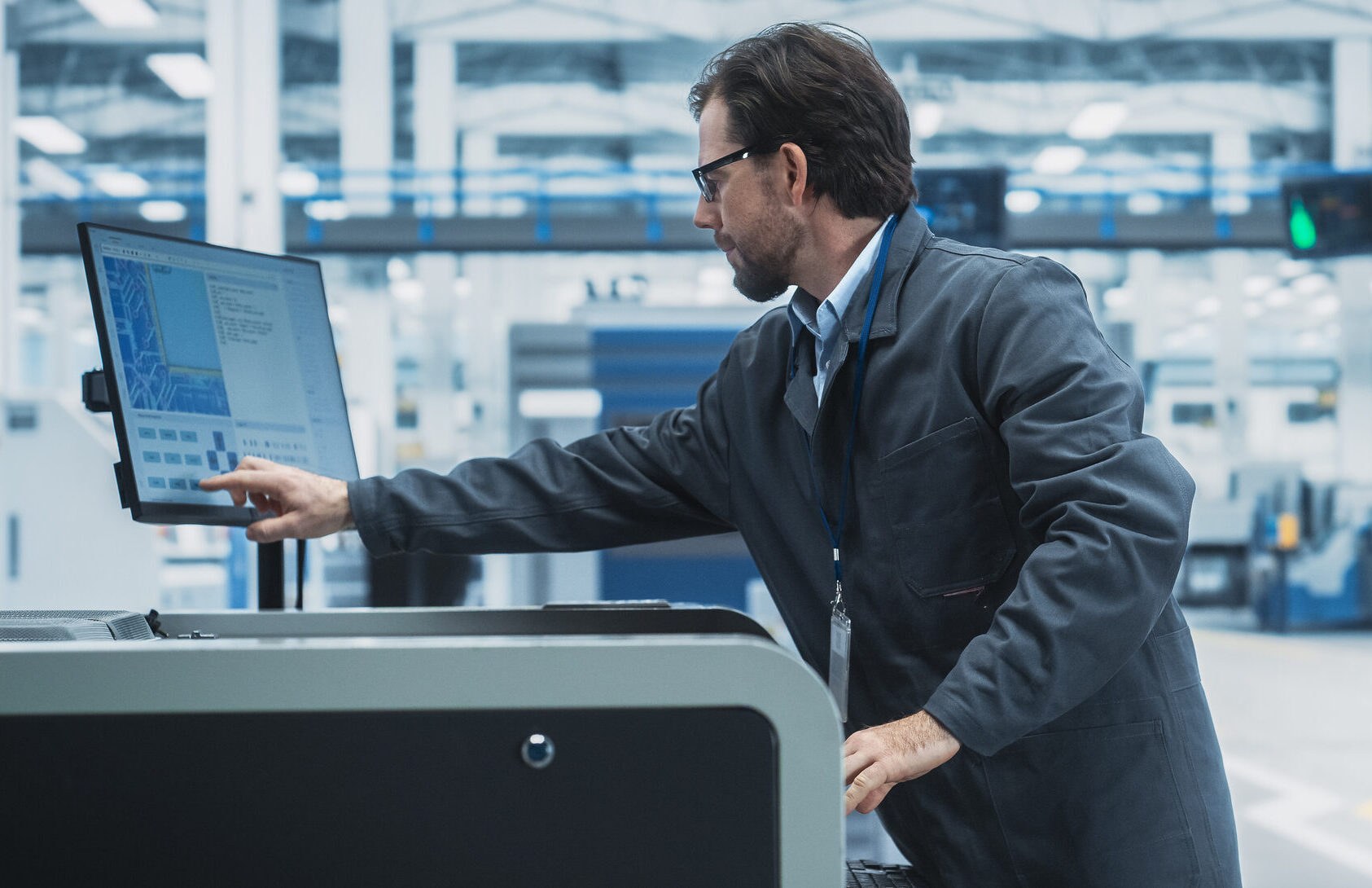
A human-machine interface (HMI) is a tool that operators and line supervisors must use proficiently to coordinate and control industrial and manufacturing processes within a factory, plant, or other industrial space. In today's modern enterprise, where sensors and connectivity are critical to ensuring efficiency, an HMI is becoming an increasingly important part of the bigger picture.
This interface is more than just a program. It must connect and enable users to communicate with dozens of other components. To understand what an HMI is and why it is so important in automation systems, we've created this guide.
What is an HMI? An HMI is a user interface, much like a dashboard. It connects a person to a machine, device, or system.
This term can be applied to dozens of different types of screens and tools used in industrial applications. However, for industrial environments, an HMI is the tool that allows workers to interact with their devices.
HMI vs. Interface Types
An HMI is an interface, but it’s not necessarily the same as other interface types most people are used to. It's easy to confuse these systems with a graphical user interface (GUI). They may seem the same and are often used interchangeably for simplicity, but they are, in fact, different. An HMI's visualization capabilities set it apart. GUIs are typically used as components within HMIs.
The difference lies in how they are used. In an industrial setting, GUIs may be used in various applications.
- Visually displaying data
- Overseeing and monitoring KPIs
- Tracking product time and other critical trends
- Tracking tags
- Monitoring machine inputs and outputs
To understand how an HMI works in these applications, consider a thermostat in your home. The thermostat helps control heating and air conditioning within a space.
In an industrial environment, a plant floor operator uses an HMI to check the temperature of machinery operating within critical limits. This provides insight into whether the system is operating as expected and into the temperature values at any given time.
Another product to consider is a SCADA display. An HMI is generally a component of a larger SCADA system. In this context, it acts as a local interface for operators.
By comparison, Supervisory Control and Data Acquisition (SCADA) systems are broader in scope. SCADA is a centralized system that oversees entire operations, such as an entire plant or even multiple locations.
HMI and SCADA Comparison
Human-machine Interface
|
SCADA
|
The primary difference between these solutions is scale and compatibility. HMIs play an important role within the broader system.
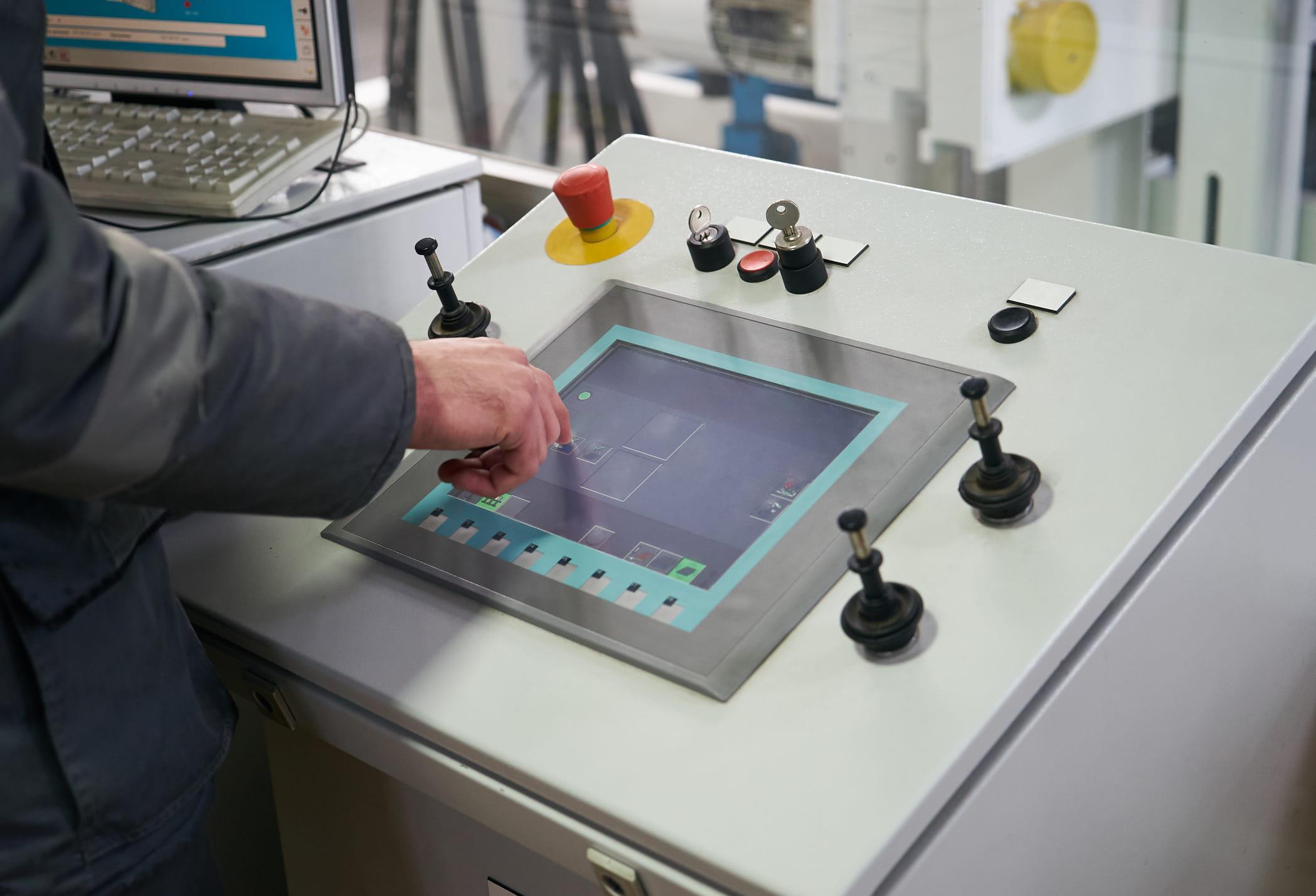
Another important distinction is between local operator panels and supervisory HMIs. A local operator panel is designed for direct control of a specific machine and provides a focused, machine-level view.
By comparison, a supervisory HMI provides a higher-level, system-wide view across multiple machines.
HMIs are typically used as components of SCADA systems for plant-wide monitoring and data collection, while local panels provide more limited functionality.
A local operator panel controls and monitors a single machine or a small group of machines and is usually mounted near or on the equipment.
These panels handle machine-level tasks, including basic control and safety functions, and offer immediate, on-site support.
A supervisory HMI is the next level up. It controls and monitors multiple systems, providing a broader view across an automated process.
These HMIs are typically located in control rooms and allow operators to monitor trends and alarms across systems.
Core Components & Technology
An HMI offers versatility in functionality and design. In most cases, an industrial HMI includes a combination of hardware and software components. Each supports data input, output, and communication across connected systems. Common components include:
- Displays: HMI displays provide visualized data, enabling operators to view processes and control options. These are typically LED or LCD displays and often incorporate touchscreen technology.
- Input devices: These devices allow users to interact with the system. Common examples include a mouse, a keyboard, and a touchscreen.
- Hardware interfaces: These components connect the HMI to other devices and systems, including USB, Ethernet, and serial interfaces such as RS232 or RS485.
Together, these components gather information and display it in real time, allowing users to visualize system status.
Most HMIs include graphical visualizations and alarm panels that allow users to investigate and respond quickly. Trend charts are also commonly used to track input and output.
HMIs communicate with a Programmable Logic Controller (PLC) via an Ethernet connection and a specific communication protocol, such as Ethernet/IP or Modbus. These configurations are set in both the HMI and PLC software, enabling real time data exchange. This may include sensor values, equipment status, and control commands sent back to the PLC.
In a distributed control system (DCS), an HMI communicates with controllers over a dedicated network or a control bus using aligned communication protocols.
The HMI acts as the operator's dashboard, sending commands to the control system, which then communicates with field instruments. The control system returns real-time process data to the HMI for display, creating effective two-way communication.
Use Cases & Applications
Who uses HMIs? They are far more readily available and versatile than other systems. You will find that HMI technology is growing in terms of use. Most industrial organizations have adopted HMIs. This facilitates opportunities for machines to interact. As a result, it optimizes industrial processes.
Industries Using These Systems
- Energy
- Food & Beverage
- Transportation
- Energy & Utilities
- Recycling
- Water and wastewater treatment
- Manufacturing
Within those industries and plants, HMIs are used at various levels within the system. They are found on factory floors, on process lines, and specifically on machine controls. They are also commonly used as a building block for automating systems.
In each of these areas, HMIs work to communicate information. This allows users to visualize the status of systems and processes.
They display alarms that can be investigated with a single touch. They allow process management through setpoints. All of this is customized to operate based on parameters set within the organization.
Design Considerations and Best Practices
To design an HMI, it is essential to consider tasks as well as the environment. In most situations, the objective is to prioritize simplicity and consistency to make the system easy to understand and apply. Having a clear information hierarchy and consistent color coding helps with this process.
In a factory setting, HMI should follow a few specific best practices.
- Simplistic design is essential: Avoid clutter. Present information in the clearest, most understandable form for immediate understanding and actionable solutions. Keep it concise.
- Keep color use controlled: Consistent color schemes help provide clear meaning. For example, green indicates normal function, while red indicates an alert.
- Intuitive layout: Ensure the system is laid out in a way that makes sense to users. This means all necessary information is efficiently accessible without numerous clicks. Do not bury critical information in deep menus.
- Alarm prioritization is key: Alerts must be instantly recognizable, and solutions must be within reach. Limit the complexity of alarm management.
- Improve navigation: This helps keep the most commonly needed details close to the page.
It's also essential to consider the human factor of these tools. They are meant to provide valuable data that can be acted upon quickly. For that reason, they should be ergonomic and designed to ensure accessibility for a wide range of users.
Advanced HMI Features
Over the last few years, numerous new HMI features have become more accessible, and there's much more to come. Changes in operational and business needs have made this critical. Below are some of the more advanced HMI features and technologies.
High-Performance HMIs
These systems are becoming more high-performing, ensuring fast and effective interaction. They highlight the most essential indicators on the interface, helping users quickly find critical information. These HMIs feature clean, simple, and purposefully clutter-free layouts.
Touchscreens and Mobile Devices
These technologies have become essential components of HMIs. They allow for more streamlined and efficient functionality.
Touchscreens reduce the number of steps required to gather critical information or take action. Mobile HMIs offer advantages like instant access to information.
Remote monitoring through web-based HMIs is another developing tool. These systems enable better flexibility in modern operations.
Whether accessed through portals or across distances, they provide more operational flexibility than ever.
Note that HMIs are also increasingly embedded into complex networks, including solutions for analytics, dashboards, and remote access.
These systems are also being widely used in edge and cloud environments. This allows operators to access and visualize data from field devices in real time.
How EOSYS Delivers HMI Solutions
It's difficult to overestimate the importance of HMIs in these and other industries. Yet, they are not always as accessible as they could be. That is where EOSYS comes in. Our approach offers a custom design, integration, testing, and training process that helps achieve better outcomes and more specialized control.
We also maintain systems long-term.
EOSYS provides industrial control systems that enhance efficiency and help maintain a competitive edge. These control systems and industrial automation solutions are designed to quickly identify and address issues, reduce downtime, and keep production lines operational.
The use of HMIs is a core part of these solutions.
Finding the Solution for Your Organization's Advancing Automation Use
The importance of a good HMI is hard to overlook. These systems help keep plants running by putting information in the hands of users. Organizations can trust EOSYS for HMI design and upgrades.