February 11, 2026
Automation System Integration: Helpful Examples and Benefits
For industrial automation to drive growth, data must flow seamlessly across control, supervisory, operational, and enterprise layers to transform a reactive plant into a proactive operation.
Many plants rely on a mix of old and new controls, OEM skids, standalone HMIs, spreadsheets, and enterprise systems. When these systems are added over time to address specific challenges, they often operate independently, making plant management more challenging.
Automation system integration ensures that different machines, equipment, and software communicate and share data. This unifies machines, people, and processes, making plant management more effective.
Today, integration is essential for stable production, reliable data, and long-term growth across many industries.
What Automation System Integration Really Means
Most manufacturers already have the systems they need, but those systems were built for specific tasks. Integration connects them, so teams solve problems faster and improve operations more easily.
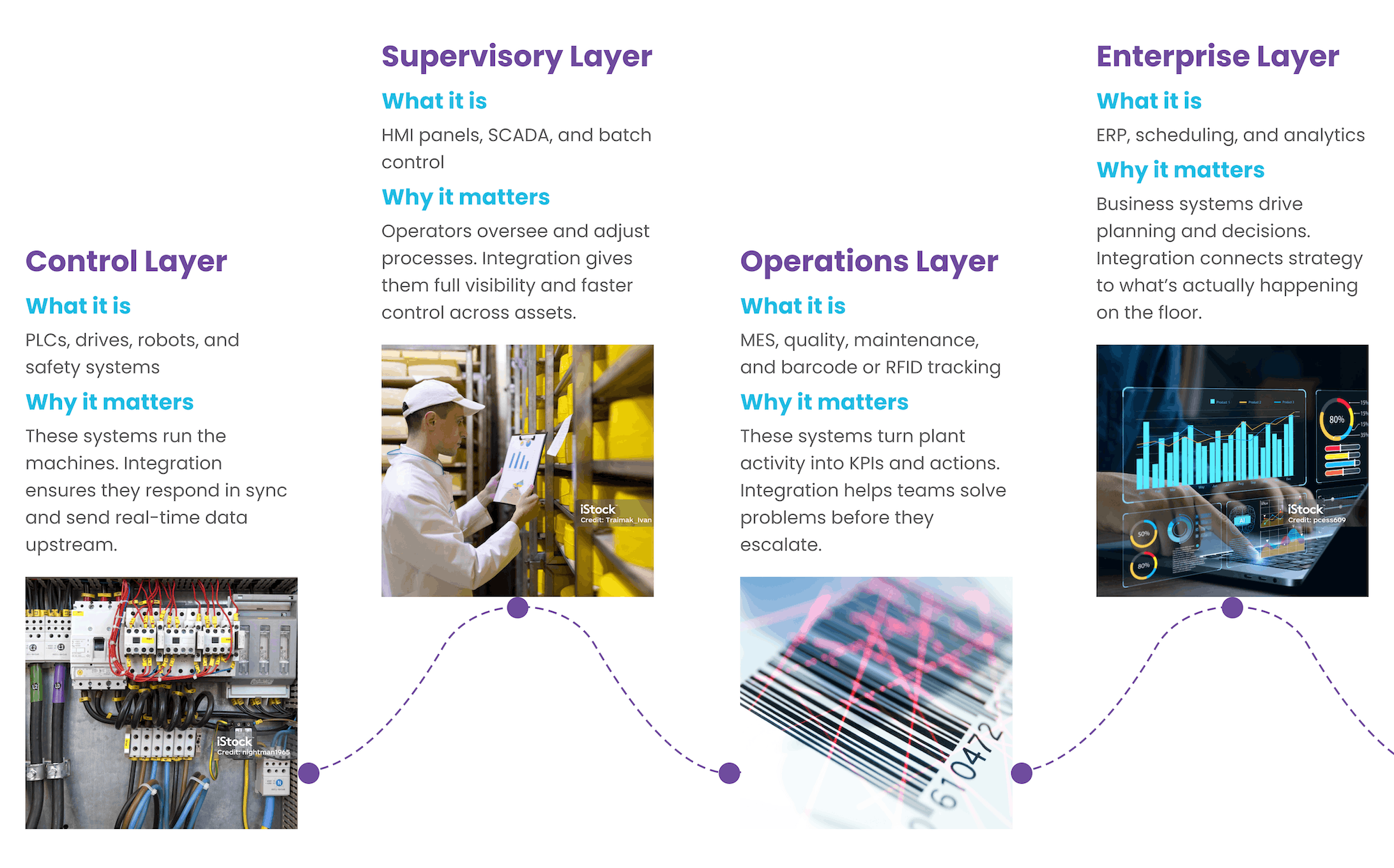
The layers that make a plant run
- Control systems such as PLCs, DCS, drives, robots, and safety
- Supervisory systems such as HMI, SCADA, and batch
- Operations systems such as historians, MES, quality, and maintenance
- Enterprise systems such as ERP, scheduling, and analytics
- Automation integration experts, such as EOSYS Group, note that the real value comes from how these layers work together.
When equipment and software do not share information, improvements slow down or benefit only one area. Integration allows changes to flow across the entire plant, making it easier to maintain consistent performance.
Why Automation System Integration Matters
Disconnected systems create daily plant challenges. Integration turns separate assets into a coordinated operation where information flows, equipment responds predictably, and teams can manage issues proactively.
Teams spend less time chasing problems and more time improving performance.
Integration helps teams move from reacting to problems to taking control. Issues appear sooner, responses are faster, and problems that once seemed unavoidable can often be prevented.
Common issues when systems do not work together
| What changes when systems integrate
|
Examples of Automation System Integration
Real-world examples show how integration works on the plant floor, not just in theory. Plants vary in age, equipment, staffing, and production needs, but they often face similar integration challenges.
These examples illustrate the problems that arise when systems fail to communicate, and the improvements that follow when they do. They also show how different roles across the organization benefit from integration.
Food & Beverage: Bringing a Packaging Line Into One View
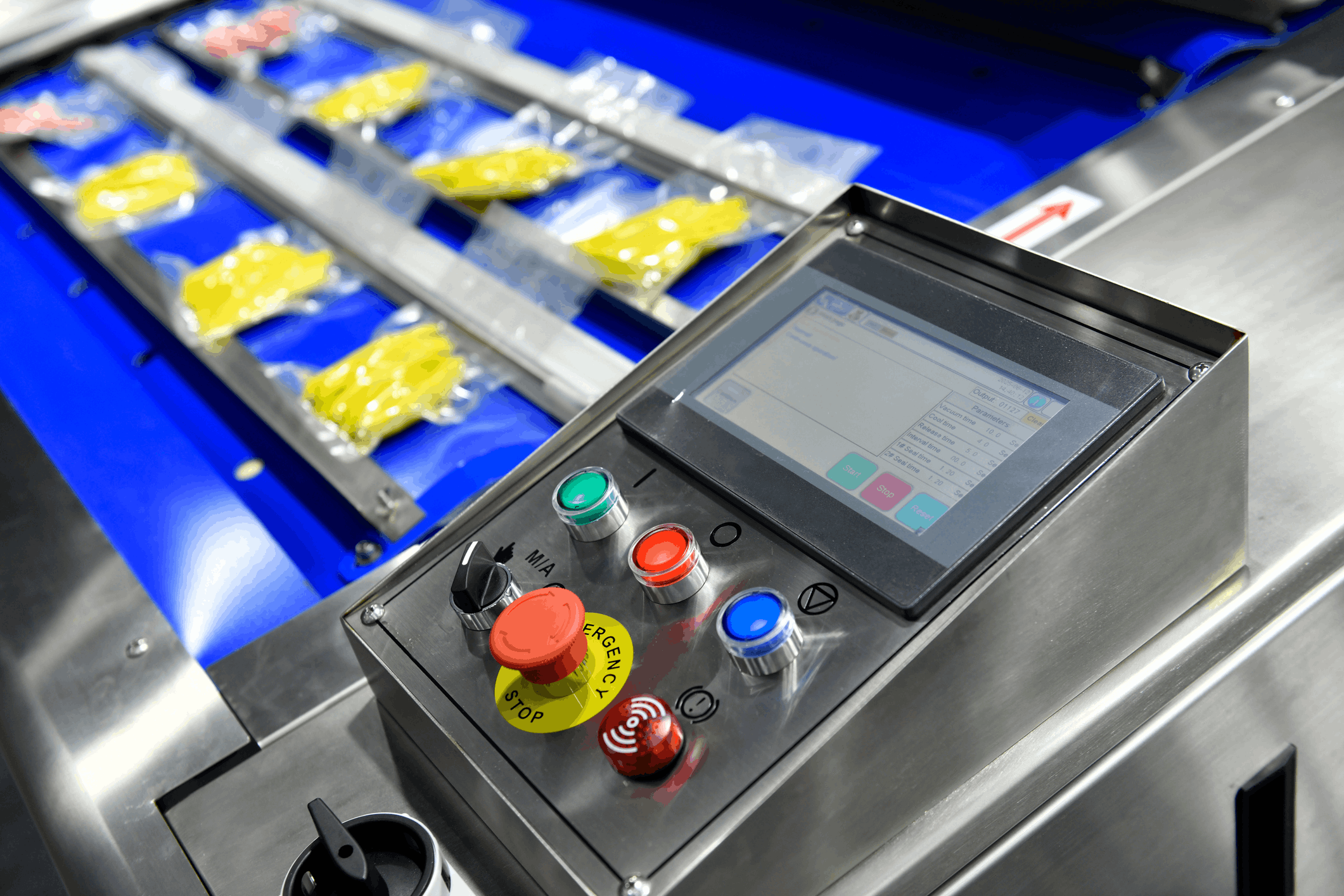
High-speed packaging lines depend on equipment working together. When machines operate independently, small issues can accumulate quickly.
Integration provides food and beverage teams with a single view of the entire line, enabling them to manage flow rather than constantly react to disruptions.
This plant’s shift to an integrated line highlights what teams were facing and what changed.
What the Plant Faced
- A legacy filler
- Multiple OEM packers
- Manual QA checks
- Slow and inconsistent changeovers
How Integration Helped
- Standardized PLC and HMI across OEM equipment
- Automated recipes and changeovers
- SCADA visibility for real-time performance
- MES connection for counts, downtime, and traceability
- ERP updates for inventory and order fulfillment
What Different Roles Valued
- Production managers saw higher OEE and fewer jams
- Engineers gained a cleaner, more maintainable controls footprint
- Finance gained clearer unit costs and stronger recall readiness
- Maintenance saw faster fixes and less downtime
The plant began managing the line as a single system rather than a collection of separate machines. Most performance improvements followed from that shift.
Chemical / Spirits: Making Batch and Compliance Work Together
Batch operations in the chemical and spirits sectors depend on accuracy and reliable records. When records are kept manually or systems are isolated on OEM skids, maintaining consistency and meeting compliance requirements becomes difficult. Integration creates a controlled, traceable setup that supports both production and regulatory needs.
This batch‑operations story highlights the challenges the plant faced and the improvements integration created.

What the Plant Faced
- Paper batch records
- Siloed control systems
- Long and difficult audits
How Integration Helped
- Recipe enforcement through batch control
- Electronic batch records tied to MES and LIMS
- Historian data for long-term visibility
- Integrated safety and alarm management
- OT network modernization for reliability
What Different Roles Valued
- Production managers saw fewer reworks
- Engineers gained validated control strategies and better root-cause data
- Finance saw fewer write-offs and faster audits
The primary improvement was better consistency. With the system guiding the process, the plant no longer relied on informal know-how and could operate with greater confidence.
Metals / Automotive: Uptime and Diagnostics Through Controls Modernization
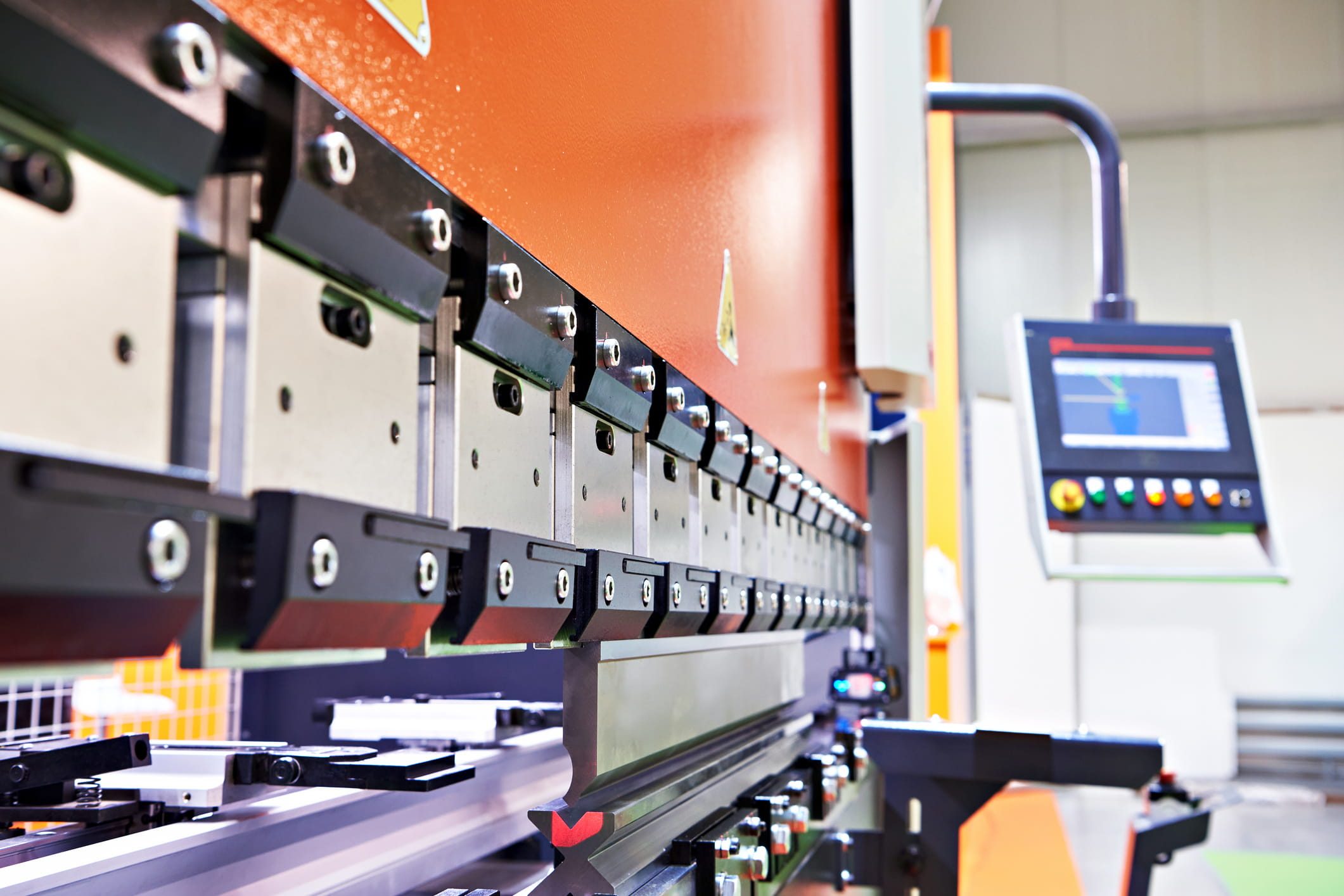
Heavy industrial operations, like metal production and automotive manufacturing depend on reliable drives, controls, and diagnostics. As equipment ages or systems drift apart, downtime becomes more frequent and more expensive.
Integration of legacy systems brings those platforms back into alignment and helps teams stay ahead of potential issues.
This modernization example shows how aging drive systems and scattered diagnostics were affecting uptime.
What the Plant Faced
- Obsolete drives and PLCs
- Fragmented diagnostics
- Recurring downtime events
How Integration Helped
- Modernized PLCs, drives, and HMIs
- Coordinated drive systems and line-level synchronization
- Centralized diagnostics through SCADA and historian
- OT network segmentation for secure, reliable communication
What Different Roles Valued
- Production managers saw fewer unplanned outages
- Engineers gained a unified platform and safer access
- Finance saw measurable downtime reduction and better capacity utilization
The most important improvement was faster recovery. Integrated diagnostics reduced troubleshooting time, driving the largest operational savings.
Key Benefits of Automation System Integration
Disconnected systems create small delays, inconsistent data, and variable equipment behavior, all of which point to integration as the underlying solution.
With synchronized systems, information becomes more reliable, equipment becomes more predictable, and plant management becomes easier.
Teams spend more time improving and less time searching for information.
For Operations Leaders
- More stable throughput and OEE
- Faster changeovers
- Clear visibility across lines and shifts
- Less firefighting and more control
For Engineers and Technical Leaders
- Standardized PLC, HMI, and network designs
- Secure OT networks
- Faster troubleshooting
- Systems that evolve without breaking
For Finance and Executives
- Downtime and scrap reductions that improve margins
- Automated compliance
- Lower long-term cost of ownership
- A foundation for analytics and digital initiatives
For Operators and Maintenance
- Easier, more predictable equipment behavior
Faster troubleshooting with unified diagnostics
Clearer alarms and fewer blind spots
Less time searching for information and more time improving
Integration delivers targeted improvements that work together to make the plant more stable and predictable, helping sustainable performance today and in the long term.
Common Myths About Automation System Integration
Teams often approach integration with assumptions shaped by past projects, vendor experiences, or long-standing plant practices. This thinking can slow progress or limit future flexibility.
Understanding what integration actually involves helps teams set realistic expectations and avoid decisions that create technical debt.
Myth vs. Reality
✗ Myth: It’s just PLC programming
✓ Reality: Integration spans controls, data, MES, ERP, and OT networks
✗ Myth: Integration is a one‑time project
✓ Reality: Integration evolves as the plant grows
✗ Myth: More vendors mean better systems
✓ Reality: Standardization and fewer well‑integrated systems perform better
✗ Myth: IT can handle it alone
✓ Reality: OT expertise is essential for safe and reliable operations
How to Get Started With Automation System Integration
Many plants recognize the need for better connectivity, but the next steps can feel overwhelming due to limited time, budget, or staff resources. Teams may hesitate if they believe integration requires a complete overhaul.
In practice, the best starting point is smaller. Identify one area where disconnected systems create clear problems and use it as a test case. This reduces risk, builds alignment, and shows what integration can deliver under real operating conditions.
Most successful integration efforts begin with a focused scope, clear outcomes, and measurable results.
A Practical Way To Begin
- Map what is connected today
- Define the outcomes that matter, such as uptime, quality, safety, or scalability
- Build an integration architecture that can grow
- Work with an integrator who understands OT realities and long-term plant needs
Experts in automation integration, such as EOSYS Group, often recommend starting small. Plants do not need to rebuild everything. They need a clear plan and a place to begin.
Separating Plants That Scale From Those That Stall
Manufacturers across food and beverage, chemicals, CPG, pulp and paper, metals, automotive, energy, and utilities now treat integration as a core capability.
As systems age, data demands increase, and digital initiatives expand, the most successful plants approach integration as ongoing work instead of a one-time effort.
If you are assessing whether integration fits into your long‑term plans, a short readiness check can clarify what is possible now and what can wait.