October 16, 2025
GUI vs. HMI
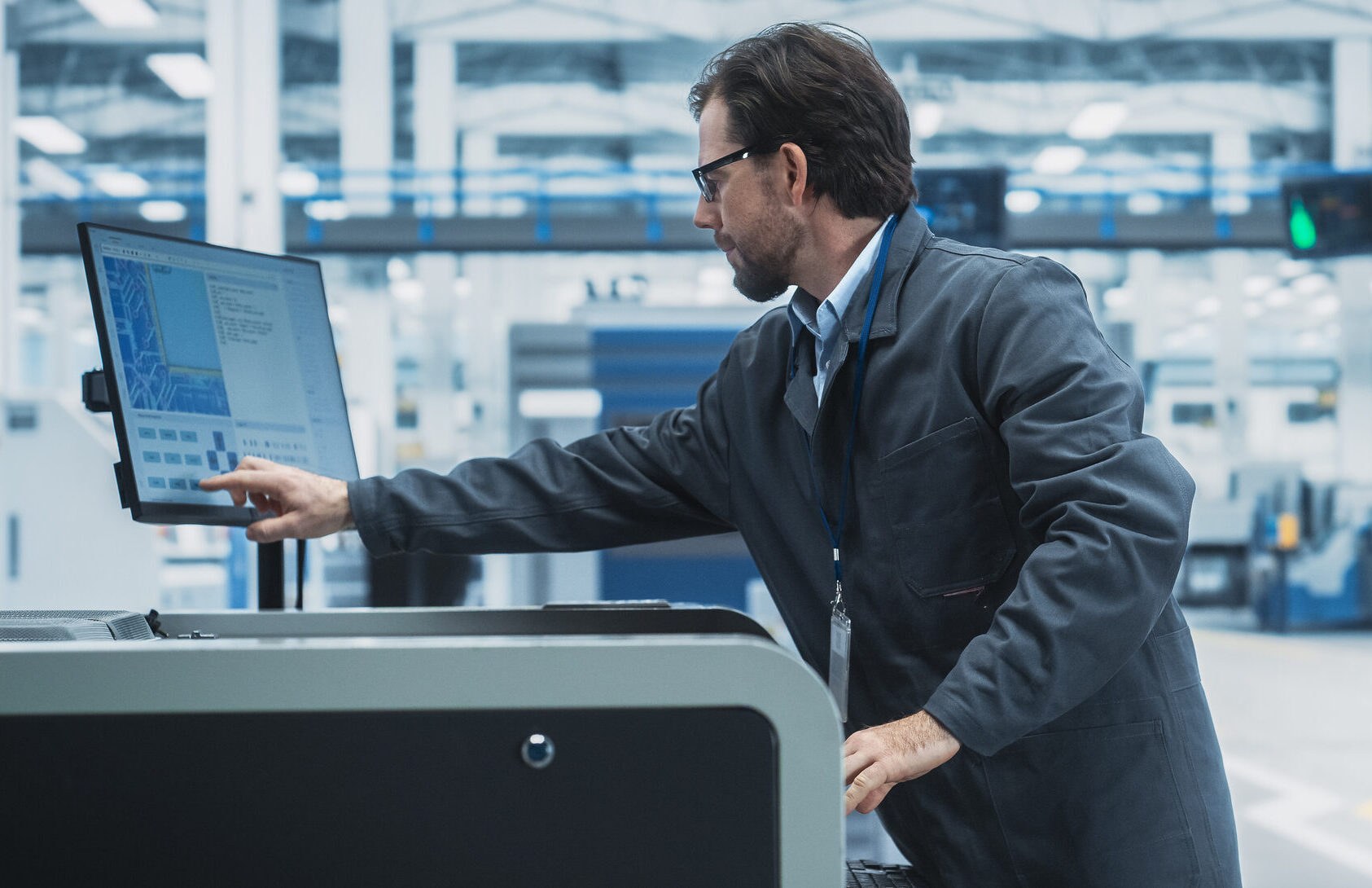
Unlike a general-purpose Graphical User Interface (GUI), a Human-Machine Interface (HMI) is a purpose-built, ruggedized solution specifically engineered to monitor and control complex industrial machinery operating within harsh factory environments.
Industrial automation software must facilitate the communication between people and machines, doing so efficiently and at a high level.
Accomplishing this requires two different types of interfaces, GUI and HMI, and understanding the difference between the two is paramount when designing, selecting, or using a software application.
A graphical user interface (GUI) and a human-machine interface (HMI) have overlapping but distinct roles.
The former consists of windows, icons, buttons, and charts designed for people. The latter is built for control, safety, and situational awareness when working with complex industrial robots and machinery.
Whether you’re an engineer, operator, manager, or C-level executive, knowing how these two interfaces differ can aid efficiency, safety, and overall operational success.
GUI and HMI: Key Differences
Whether your team should be using a graphical user interface or human-machine interface, or both, depends largely on the role.
C-level executives need software that delivers comprehensive data, useful key performance indicators (KPIs), and predictive analytics. Operators need software that shows, in real time, what machinery is doing.
This distinction highlights why many organizations rely on both GUIs and HMIs.
Graphical User Interface: For People
A GUI is any visual software interface that allows users to interact with electronic devices. Almost every operating platform and software program since MS-DOS has included a GUI in some form.
GUIs aren’t limited to industrial automation. Windows, iOS, Chrome, and even the buttons in games like Angry Birds or the movement controls in Minecraft are all GUIs.
Within industrial automation, GUIs primarily use filters, tables, charts, and other intuitive graphics to provide insight into performance, successes, and opportunities for improvement. These programs often run on computers, tablets, and phones, sometimes with limited mobile app versions.
Human-Machine Interface: Where People and Machines Meet
All human-machine interfaces are also graphical user interfaces, although the reverse isn’t true. HMIs use graphics to facilitate the operation of machinery, including both the visual elements users interact with and the underlying code that communicates with equipment.
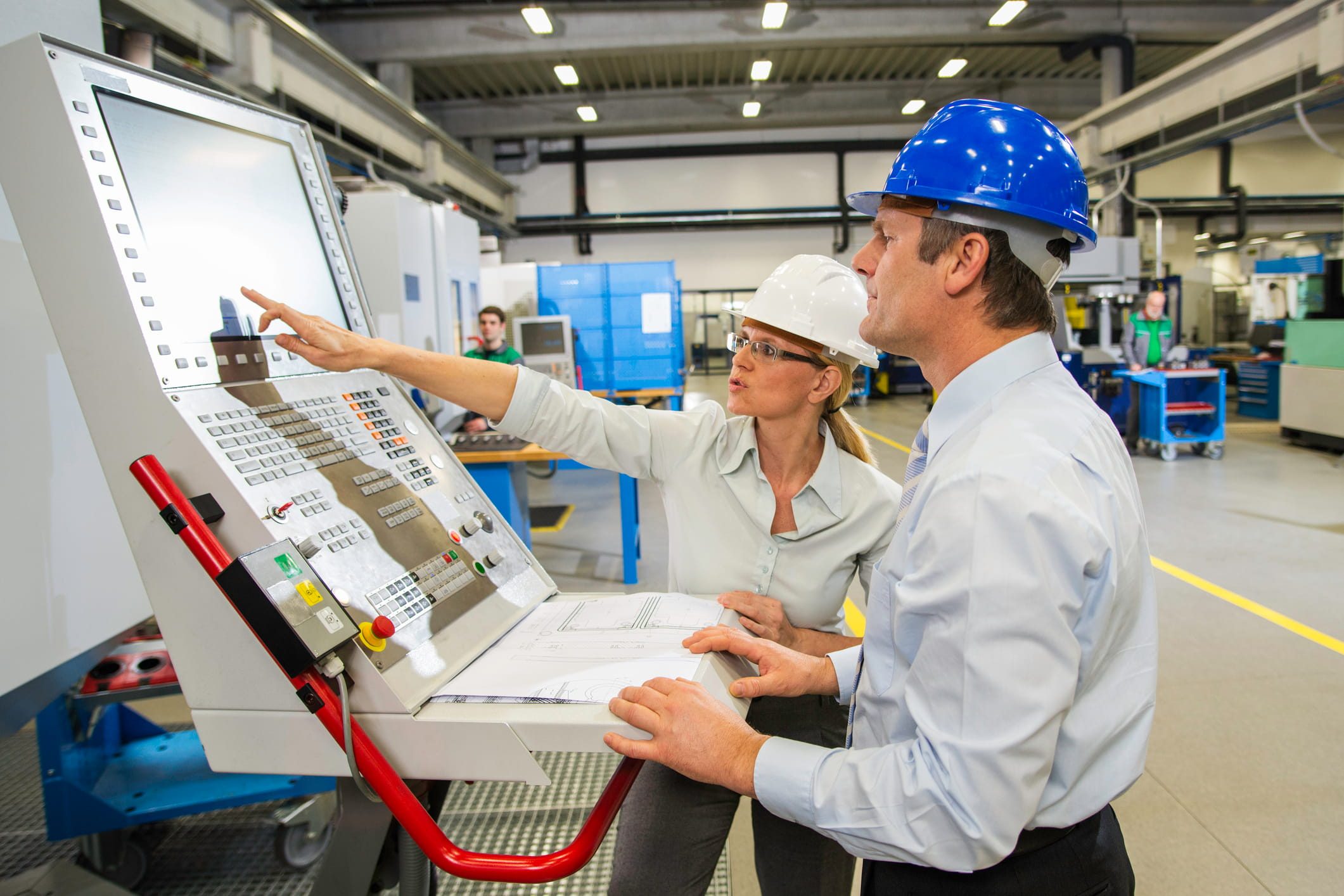
An HMI is the primary means of monitoring and controlling machinery, as well as diagnosing process or equipment issues on the factory floor. Core functions include real-time status, setpoint entry, mode changes, alarm activation and acknowledgment, trend viewing, and guided procedures.
HMIs are more specialized than most GUIs, including those designed for industrial analytics. Because they interact directly with equipment, they’re not distributed through app stores. HMIs typically run on industrial computers and interface with programmable logic controllers (PLCs), remote terminal units (RTUs), and supervisory control and data acquisition systems (SCADA) systems.
HMIs are used at the points where people and machines interact most directly. Engineers and operators rely on them regularly, while executives typically do not.
The Impacts of Design & Technical Differences
Using a graphical or human-machine interface for other functions will reduce performance. In fact, it can prove very costly if your team misses a major efficiency improvement opportunity or there’s a major accident on the factory floor.
Each should be used for its specifically intended purpose, stemming from fundamental design and technical differences.
Design Differences Between GUI and HMI
GUI and HMI designs reflect different users and operational needs. GUIs focus on broad usability, while HMIs prioritize real‑time machine insight and operator control.
Intended User
Most companies use a GUI that’s generally designed for a wide range of employees.
Executives, consultants, managers, engineers, and others may all rely on a GUI for various purposes. Because of this, GUIs are often designed to be intuitive and easy to navigate.
They can provide extensive and detailed data, but the simple function of navigating a GUI is typically easy.
An HMI is highly specialized software for employees who work directly with machinery, such as engineers and operators.
These interfaces are designed for users who have specific operational knowledge. They are sometimes clunkier to navigate and can be quite challenging without that knowledge.
Dashboard
The dashboards of GUIs and HMIs look quite different because they need to provide different information.
A GUI dashboard may be set up to display recent reports, KPIs, performance targets, and forecasts. This information is usually displayed in charts or graphs so it’s easy to digest.
A modern HMI dashboard is more likely to display real-time information and active alerts if something’s going awry. Users may also have a list of past alerts visible.
Controls
It’s common for HMI applications to have controls built directly into them. This is the primary interface for operators to start and stop equipment, cease alarms, and switch between automatic and manual modes.
GUIs, in contrast, don’t have built-in controls that operate external equipment.
Technical Differences Between GUI and HMI
GUI and HMI systems may look similar at first glance, but they are built for different environments and expectations.
The key distinctions appear in how each one handles devices, alarms, and connectivity, and these differences shape their role in industrial operations.
Supported Devices
Many GUI applications are built to run on a range of devices. Some are built for only one operating system, while others work on Apple devices, Android devices, and PCs.
This makes it easy for employees across the company to use a GUI, regardless of whether they’re at company headquarters, on a factory floor, or out for a sales call.
Many HMI applications won’t work on a wide range of devices. These interfaces need to support communications with machinery and robotics more than they do with phones.
An HMI is more likely to be run on a computer, perhaps with an app for on-floor functionality using a tablet.
Alarms
HMIs have built-in alarm features, and your team may need multiple alarms set up in a prioritized order.
These aren’t necessarily just alerts that pop on-screen, but can also be audible alarms that continue until deactivated.
GUIs might have alerts set up, but a notification sound is the closest equivalent these interfaces offer.
There aren’t true alarms built into GUI interfaces. Data anomalies aren’t urgent, life-threatening situations.
Connectivity
Industrial automation GUIs are increasingly cloud-based, and they connect to the cloud via standard IT protocols like HTTPS and REST APIs. An HMI uses specialized industrial protocols (EtherNet/IP, PROFINET, Modbus TCP/IP) to connect directly with machinery hardware, such as PLCs and VFDs.
When to Use GUI, When to Use HMI
The question isn’t whether to use a GUI or an HMI, but when your company should be using each. Both are needed.
Use a GUI for general management dashboards, remote monitoring, and analytics. This is the right choice if your team uses:
- Data on energy usage, quality trends, and overall equipment effectiveness (OEE)
- KPIs and predictive analytics for making decisions on future productivity
- Computerized maintenance management system (CMMS) based on equipment usage and parts availability
- General remote monitoring of the factory (not direct equipment operation from an off-site location)
- Settings to configure systems or troubleshoot problems
Use an HMI for direct equipment operation and related functions. This level of direct communication with machinery is needed if your team is responsible for control authority, alarm responses, or step-by-step equipment operation.
For instance, this type of interface is needed if your team is responsible for:
- Operators actively running stations at lines, skids, or cells
- Starting, stopping, or adjusting equipment in real time
- Batch execution with enforced sequences and holds
-
Alarm acknowledgement and following alarm protocols
The Need for Integrated GUI and HMI Interfaces
While your company needs both a GUI and an HMI, the two interfaces should be well integrated with each other. Minor and major problems can arise if they don’t seamlessly share information. Failing to integrate can cause:
- Data latency in reporting, which can be costly if adjustments aren’t made in a timely fashion
- Security gaps, potentially creating opportunities for malicious attack or stolen data
- Inconsistent user permissions, which may lead to frustration among employees and unnecessary IT hassles
How EOSYS Bridges GUI & HMI
Here at EOSYS, we design custom GUIs and HMIs that fully integrate with each other.
On the plant floor, we implement operator-centric HMIs that adhere to best practices regarding safety, efficiency, and equipment operation.
Off the plant floor, we create web-based GUIs that make analytics, KPIs, and historical data available to people across the company.
Security and reliability are built in.
We rely on cell and area segmentation, DMZ proxies, secure tunneling for remote support, and defined read and write boundaries for full integration with strong safeguards in place.
Get a Custom GUI and HMI Solution for Your Company
To learn more about what a custom GUI and HMI solution could do for your company, reach out to one of our team members.
We work with many industries and have clients ranging from food and beverage production to highly technical chemical manufacturing.
Contact us today, and we’ll start exploring what automation solutions could help your company improve reporting, decision-making, safety, productivity, and profitability.